How to Install PeopleTools 8.53 PIA in Console Mode
While installing PIA on my machine for PeopleTools 8.53, I came across a unique situation as shown below.
After running the setup.exe from <PS_HOME>\setup\PsMpPIAInstall and working around the setup procedure, I came across the screen to provide the name of the web profile used to configure the webserver. As you can see from the screenshot below, I did not have any box or option to provide the details. If I pressed next without providing any value, I was thrown an error to provide the password.
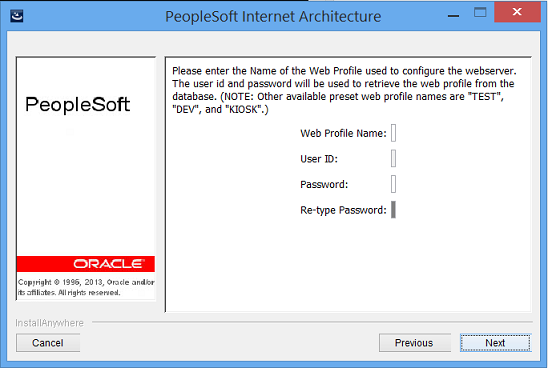
So, the workaround I used was to use the console mode instead of GUI mode.
To install PIA in console mode:
1. Edit C:\PT8.53\setup\PsMpPIAInstall\setup.bat file and change the parameter (marked in red font)
set args=-i gui %args%
to
set args=-i console %args%
2. Double click setup.bat
3. Follow the screenshots pasted below:
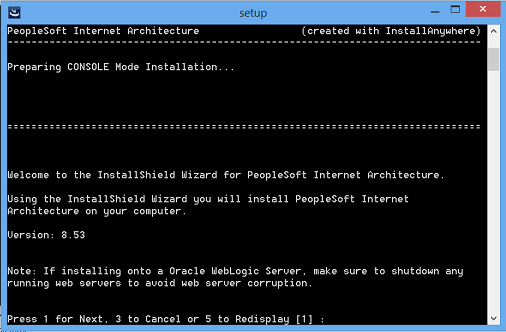 Provide the PT_CONFIG home value
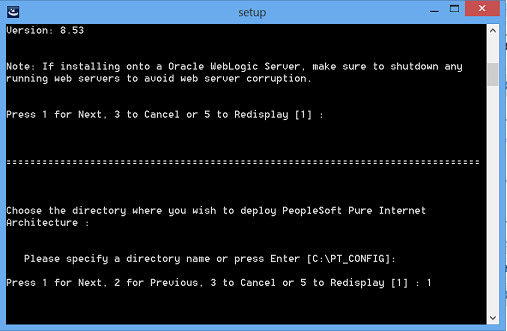 Select Oracle Weblogic or IBM WebSphere
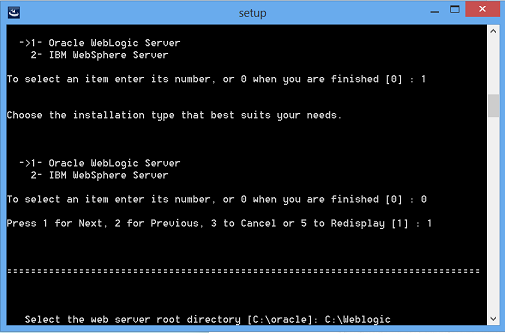 Provide the path where you installed the Weblogic
1 – Create New Weblogic Domain
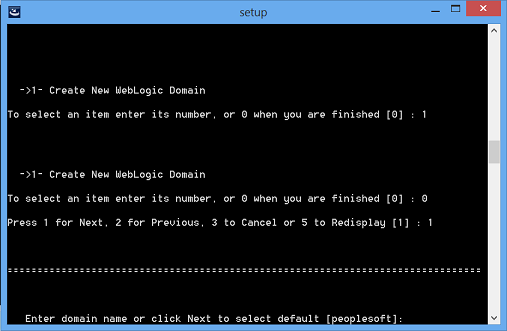
Select Single or Multi or Distributed Server Domain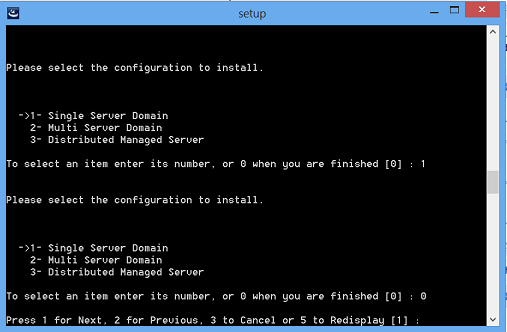
Provide the IB userid and password (Note that it no longer makes use of the default values: administrator and password)
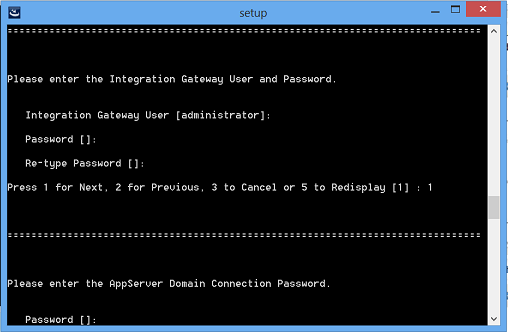
Provide the appserver domain connection password if you intend to
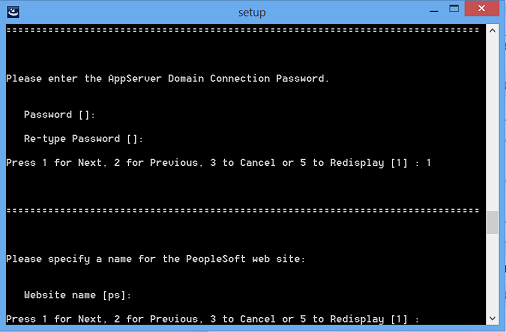
Provide your website name if you want to use something other than ps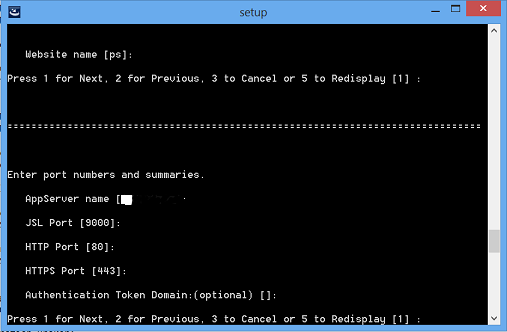 Confirm or update the values of appserver name, JSL port, HTTP port, HTTPS port and authentication token domain
Select the web profile you intend to
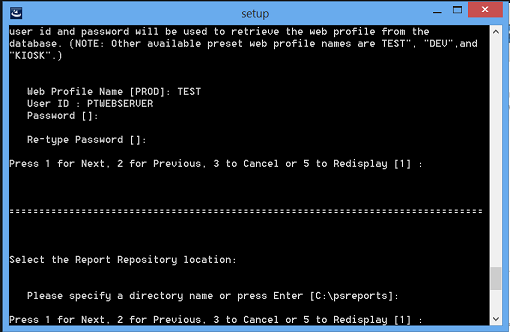
Last step to check and confirm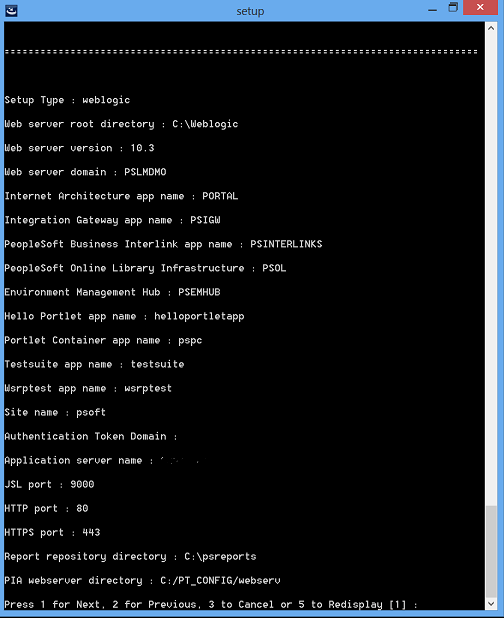
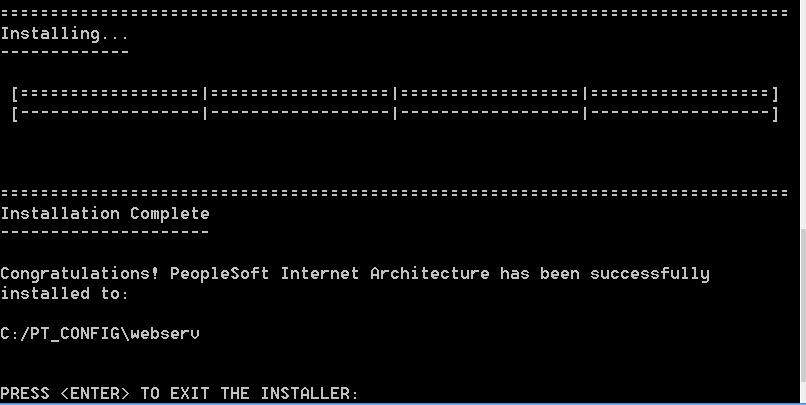
Finally after a few minutes, the screen you’ve been looking for!